
Fix broken Arabic Kashida in CapCut Desktop.
Kashido quietly fixes eligible Arabic text when you copy it, so you can paste cleaner Arabic into CapCut Desktop.
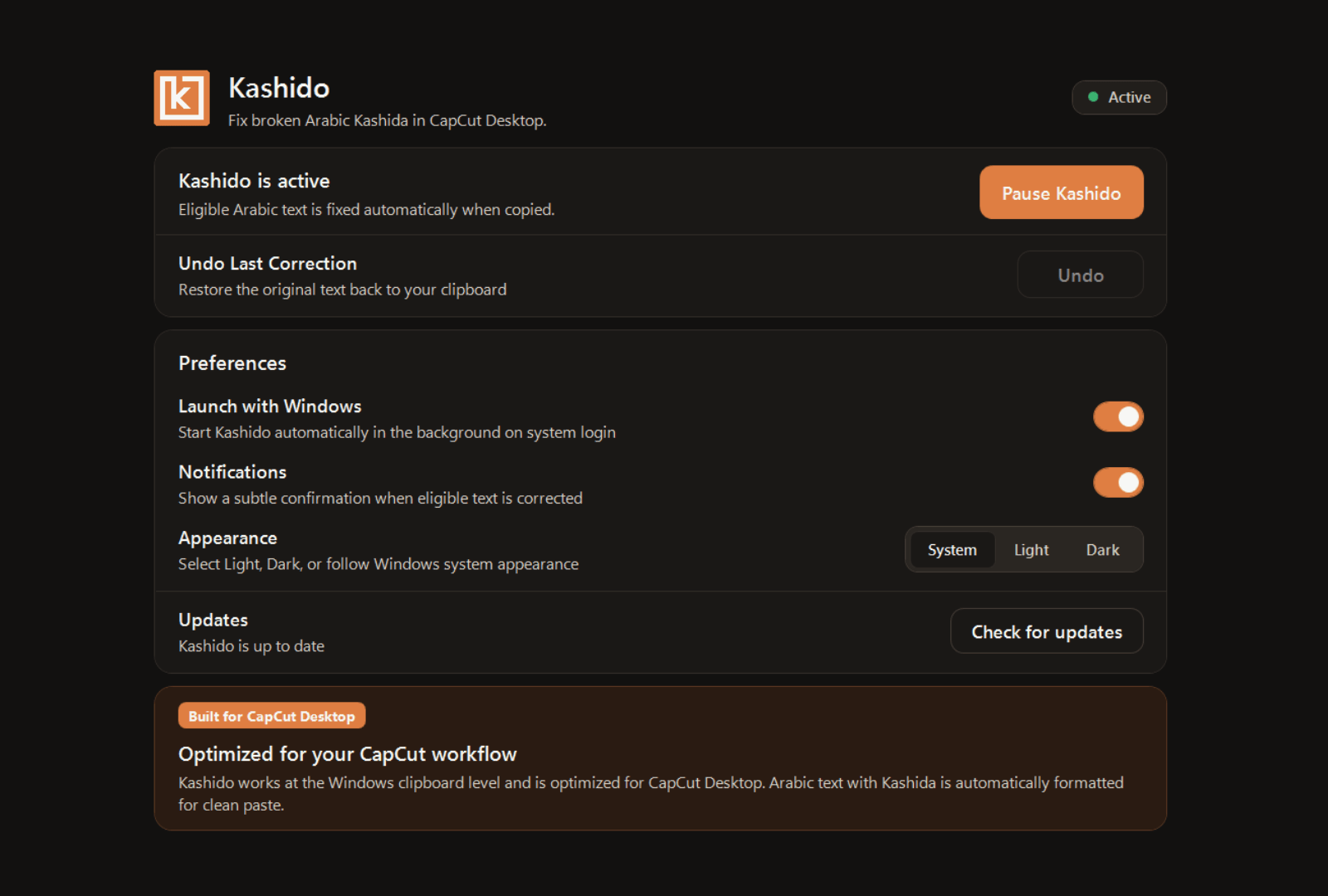
Arabic Kashida can break the paste.
Kashido fixes the copy.
Arabic text with Kashida fractures when pasted into CapCut Desktop. Kashido fixes it quietly when you copy.
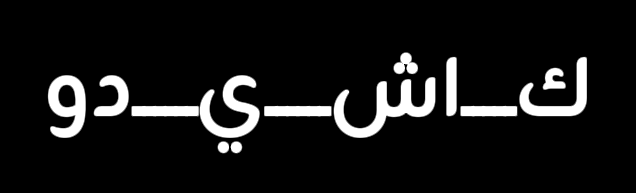
When raw Arabic with Kashida is pasted into CapCut text layers, the text rendering engine breaks the ligatures, creating isolated and fragmented letter shapes.
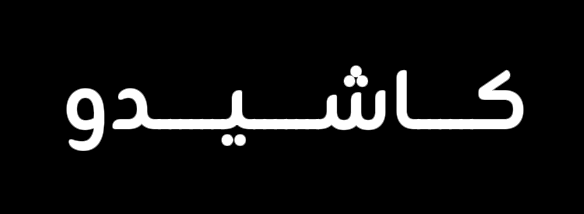
Kashido transparently sanitizes eligible Kashida text upon copying, so pasting into CapCut Desktop creates pristine, uninterrupted Arabic text layers.
Copy. Kashido fixes. Paste.
No complex setup or extra windows. Kashido stays in your system tray and fits naturally into your existing keyboard workflow.
Copy normally
Copy eligible Arabic text containing Kashida using Ctrl + C from your script, browser, or documents.

Kashido fixes it
Kashido quietly intercepts and normalizes eligible Arabic Kashida characters in memory the exact millisecond you copy.
Paste into CapCut
Paste with Ctrl + V directly into CapCut Desktop with intact, unbroken Arabic ligatures.
Built for quiet, dependable utility.
Designed with straightforward native controls so you stay in total command of your clipboard workflow without friction.
Automatic Correction
Eligible Arabic text containing Kashida is automatically detected and sanitized the exact millisecond you copy.
Pause / Resume
Toggle clipboard processing on and off with a single click whenever you need text left completely untouched.
Undo Last Correction
Instantly restore the original raw text string from your previous copy if you ever need the unmodified version.
Launch with Windows
Starts silently in your system tray upon login so your Arabic workflow is always protected with zero setup.
Subtle Notifications
Receive quiet, non-disruptive desktop confirmations when text is corrected, or disable them for complete silence.
System Tray Workflow
Access quick status controls, pause options, and settings directly from the native Windows taskbar tray icon.
Local by design.
Kashido is built on a strict privacy-first foundation. Your clipboard content stays yours—private, local, and ephemeral.
On-Device Execution
All text correction runs locally inside your machine's volatile memory. Nothing is ever sent outside your PC.
No Network Calls
Your copied scripts, project titles, and private documents are never transmitted to cloud servers or remote APIs.
No History Logging
Kashido never persists clipboard contents to disk. Text is sanitized in RAM and cleared immediately.
Completely Anonymous
Install and run immediately. No account creation, email registration, telemetry tokens, or profile tracking.
Ready for flawless Arabic in CapCut?
Instant clipboard correction on Windows. No cloud, no lag, pure focus. Download Kashido and start creating today.